Tutorial 5: Heatmaps, CLim, Colormap, and Colorbar
Goal
Build robust heatmap workflows with:
shared
CLimacross axes,EasyPlot colormap package,
white-centered diverging maps,
customized EasyPlot colorbars.
Core functions
EasyPlot.setCLimEasyPlot.colormapEasyPlot.colorbarEasyPlot.ColorMap.*
Example
rng(10);
fig = EasyPlot.figure('Visible', 'off');
ax = EasyPlot.createGridAxes(fig, 1, 3, ...
    'Width', 2.7, 'Height', 2.7, ...
    'MarginBottom', 1.2, 'MarginTop', 0.5, ...
    'FontSize', 7);

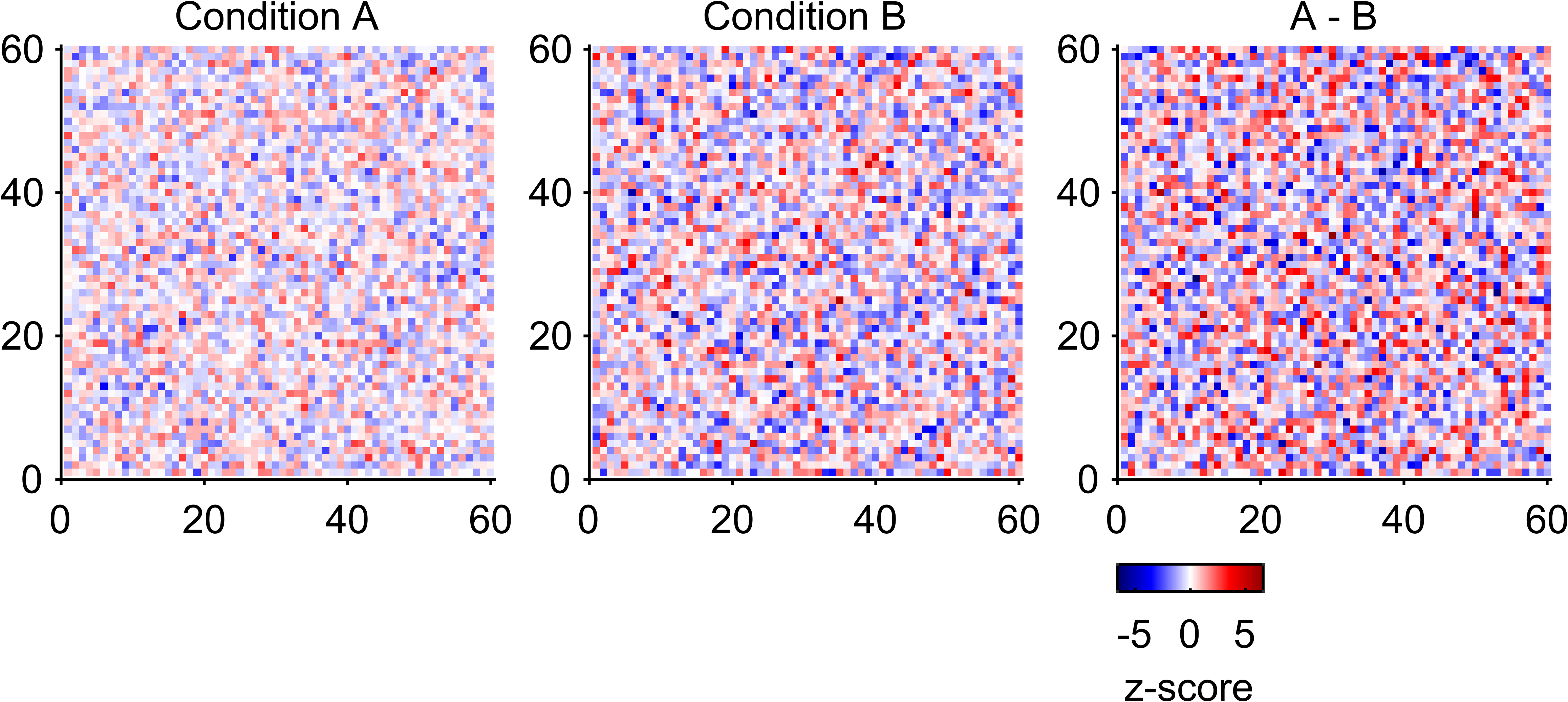
m1 = randn(60);
m2 = randn(60) * 1.4;
m3 = m1 - m2;

imagesc(ax{1}, m1);
imagesc(ax{2}, m2);
imagesc(ax{3}, m3);

title(ax{1}, 'Condition A', 'FontSize', 7);
title(ax{2}, 'Condition B', 'FontSize', 7);
title(ax{3}, 'A - B', 'FontSize', 7);

EasyPlot.setCLim(ax, 'largest');
EasyPlot.colormap(ax, EasyPlot.ColorMap.Diverging.seismic, ...
    'zeroCenter', 'on', 'zeroPosition', 0);

EasyPlot.colorbar(ax{3}, ...
    'Location', 'southoutside', ...
    'Label', 'z-score', ...
    'Height', 0.16, ...
    'Width', 0.9, ...
    'MarginBottom', 0.95, ...
    'FontSize', 7);

EasyPlot.cropFigure(fig);
EasyPlot.exportFigure(fig, fullfile('./docs/tutorials/_images', 'tutorial5_colormap_colorbar.png'));
Expected output
Guidance
For multi-panel heatmaps, always set shared
CLimbefore applying the same colormap.Use diverging colormaps with
zeroCenterfor signed effects.
Next step
Continue with Tutorial 6: Special Plotting Functions.